



Logging In
Get started by logging into the Podfather system
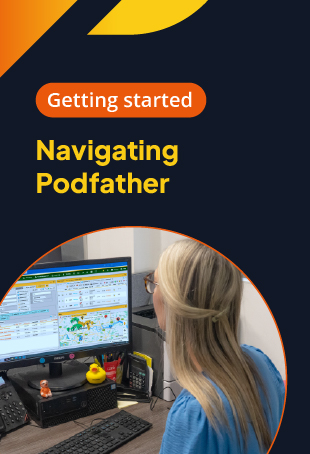
Navigating Podfather
Finding your way around the Podfather system

Useful terminology
Key terms you'll come across in the Podfather sytem
Account Set Up
In this module we will guide you through how to customise your Podfather environment. We'll cover setting up your profile, password security, and managing your core company account details. In addition we'll show you how to personalise your Podfather system with web dashboard themes and proof of delivery customisation.

My Profile
How to set up your profile in the Podfather web application
Account Settings
How to configure your Account Settings

Configuring Themes
Setting up and managing Themes in Podfather
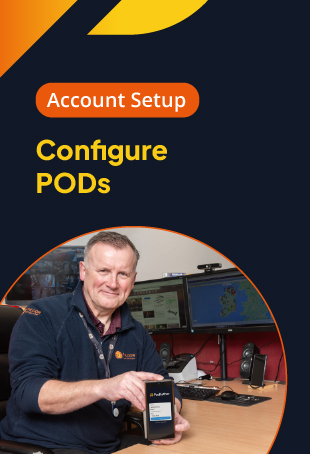
Configure PODs
Set up and manage proof of delivery (POD) configuration
Depot & Fleet
Let's show you how to set up the physical building blocks of your operation - depots, vehicles types and vehicles. In this section we'll walk you through how to se up your primary operational depots, set vehicle types and capacities, and how to manage your actual vehicles in the Podfather system.
Add a Depot
Adding Depots to your Podfather account
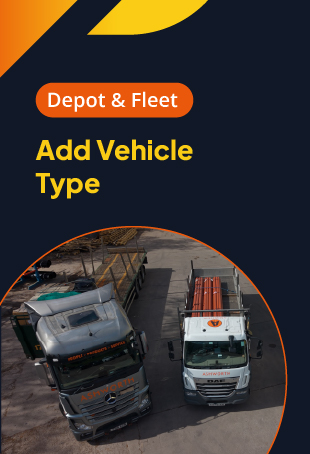
Add a Vehicle Type
Setting up and managing Vehicle Types
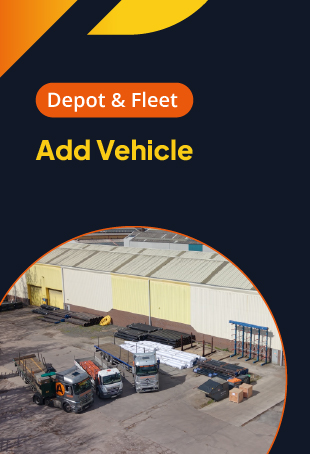
Adding Vehicles
How to set up your Vehicles
User & System Codes
This section will take you through how to connect your team and standardise driver reporting from the road. Topics include setting up back-office staff accounts, enabling driver mobile app logins, managing job cancellation codes and how to set up and manage item adjustment codes.

Adding Users
Adding and managing system Users

Add Drivers
Adding and managing Drivers
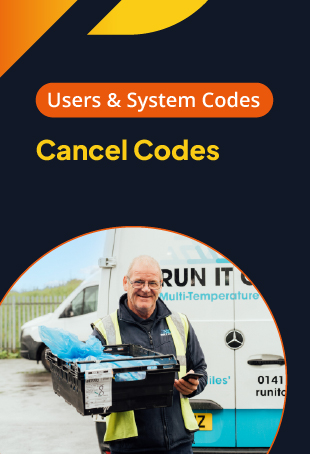
Cancel Codes
Setting up and managing Cancel Codes

Item Adjustment Codes
How to set up and manage Item Adjustment Codes
Driver Handheld App
In this section we will walk you through our driver handheld app. We'll show you how to set it up and log in, how to complete your pre-delivery vehicle inspection checks, how to manage your daily routes and electronic proof of delivery, and how to manage end of day checks and settings.

Handheld App set up
How to set up the Podfather handheld app

Vehicle checks
How to complete a vehicle check on the Podfather app

Daily workflows
Using the Podfather app, managing your daily work

Beyond deliveries
Review completed vehicle checks & managing settings
Podswap Haulier Network
Podswap, is a transport management solution designed for logistics companies and hauliers that are working together. It includes features such as job allocation, tracking, invoicing and proof of delivery (POD) management. In this section we'll show you how to enable Podswap, connect with Service Providers, subcontract jobs and manage live tracking and digital Proof of Delivery.
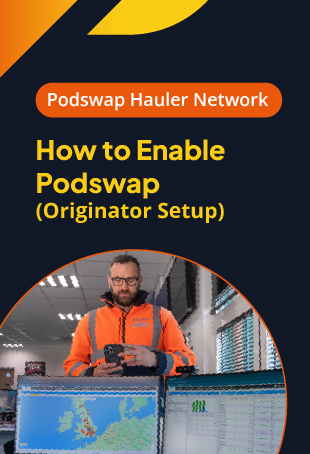
Enabling Podswap (Originators)
How to set up Podswap; an overview for Originators

Podswap - the Handshake
Connecting with Service Providers
Assigning jobs
How to assign jobs to a Service Provider
Live tracking & digital POD
Podswap gives you real time visibility with out the need for check calls
Frequently asked questions (FAQ)
The Podfather Training Portal provides a comprehensive library of video tutorials designed to help you set up, configure, and manage your delivery management system. The content is divided into six core modules:
- Getting Started: Logging in, system navigation, and useful transport terminology.
- Account Set Up: Customising your profile, web dashboard themes, and Proof of Delivery (POD) templates.
- Depot & Fleet: Building the physical blocks of your operation, including depots and vehicle types.
- User & System Codes: Adding back-office staff, enabling driver logins, and managing item adjustment/cancellation codes.
- Driver Handheld App: Step-by-step guidance on mobile app workflows and pre-delivery vehicle checks.
- Podswap Haulier Network: Setting up third-party logistics, assigning jobs, and live tracking service providers.
Drivers and fleet managers can access dedicated video guides in the Driver Handheld App section of the Training Portal. This module walks users through their entire daily workflow. Videos cover how to properly set up and log into the app, complete mandatory pre-delivery vehicle inspection checks, manage on-the-road deliveries and electronic proof of delivery (ePOD), and finalise end-of-day settings.
Yes, the Training Portal features a dedicated module for the Podswap Haulier Network. Originators and logistics companies can watch video overviews to learn how to seamlessly manage third-party hauliers. The videos explain how to enable Podswap, digitally connect with service providers, subcontract jobs, and monitor operations using live tracking and digital Proof of Delivery, completely removing the need for manual check calls.
Guides for adding your team and physical assets are split into two easy-to-follow sections on the portal:
- To add physical assets: Visit the Depot & Fleet module to watch videos on how to set up your primary operational depots, define vehicle types/capacities, and add specific vehicles to your system.
- To add staff and personnel: Visit the User & System Codes module for practical help on creating back-office user accounts, adding new drivers to the system, and standardising driver reporting codes from the road.
If you are experiencing system issues, require assistance with complex configurations, or need practical help that isn't covered in the video library, the Podfather Support Team is ready to assist you. You can reach out to the helpdesk directly by emailing helpdesk@podfather.com or by calling the UK office at +44 (0) 131 553 0400.

Ready to start your journey?
We’d love to show you how we could help your business through improved logistics planning. Get in touch today and let’s talk about what challenges you are currently facing in your business and how we could help you to overcome them with smart, easy to use delivery management software that delivers real results.