

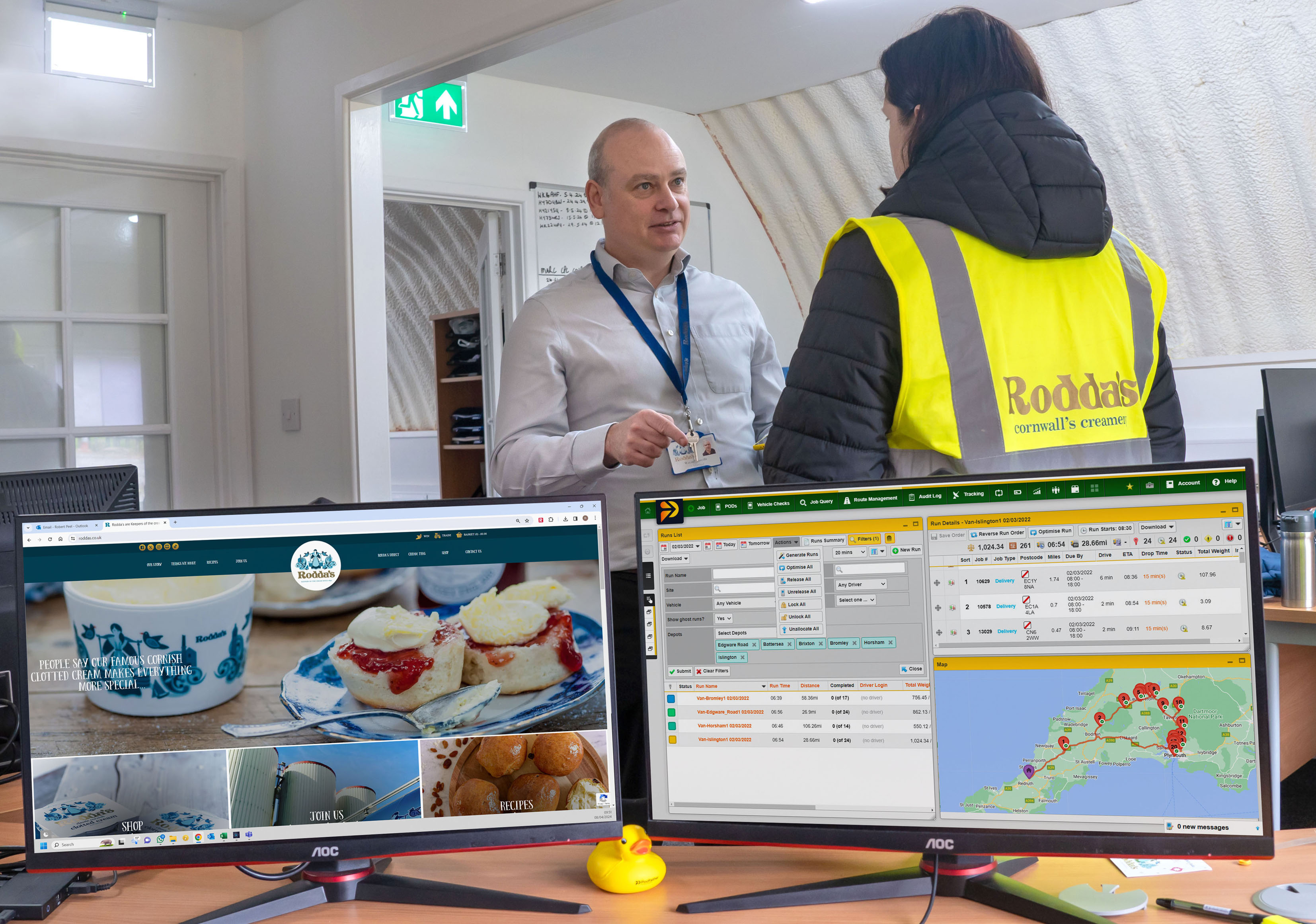
What better fleet reporting actually returns
20 %
increase in delivery efficiency
Mechanical Air Supplies
< 1 %
delivery failure rate
APP Wholesale
100 %
On Time In Full delivery
Noxdown
10 %
reduction in mileage
Direct Window Supplies
Clearer data, faster answers, better decisions

See performance clearly
Bring delivery, route and driver data into live dashboards so teams can understand what is happening without pulling information together manually.

Find problems faster
Compare planned and actual performance to identify delays, long stop times, missed service targets and recurring operational issues.

Share insight easily
Create, export and distribute the reports your teams and customers need, helping everyone work from the same performance data.

Turn performance data into better routes
Compare planned routes with what actually happened on the road. Use journey, stop and delivery data to understand where time is being lost and where planning assumptions need to change.
- Compare planned and actual delivery performance
- Review driver, stop and route performance
- Identify delays and recurring exceptions

See what is happening as the day unfolds
Combine reporting with live delivery visibility to understand delays and exceptions as they happen. Tracking and notifications give your team a current view of delivery progress, while reporting helps identify patterns across the wider operation.
- Monitor live delivery progress
- Spot delays and exceptions earlier
- Connect real-time activity with longer-term performance

Put your reporting data to work elsewhere
Export Podfather data for use across your wider business systems. Reports can be downloaded in CSV and PDF formats, while API access lets teams extract operational data for use in other platforms and reporting environments.
- Export reports in CSV and PDF
- Extract data through the Podfather API
- Use delivery data across other business systems

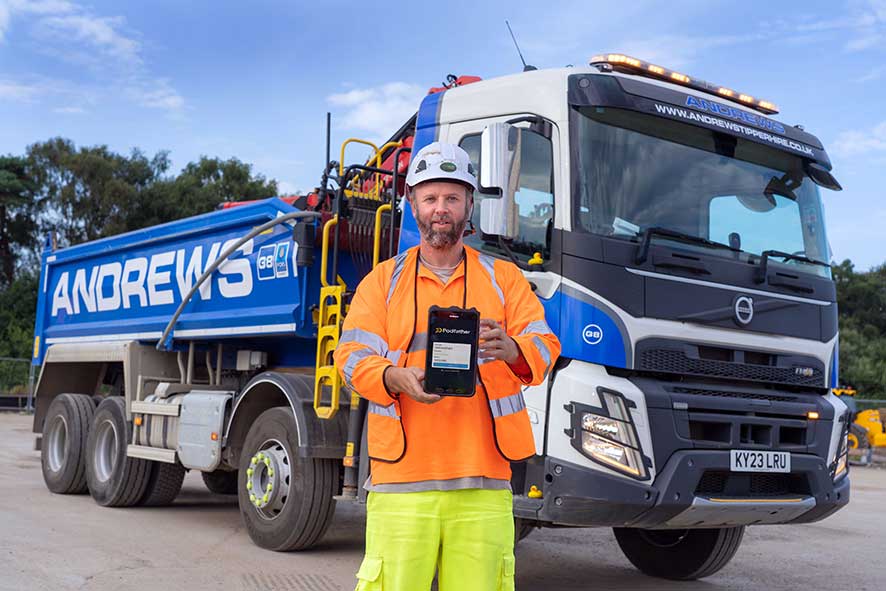
How Andrews cut daily reporting from hours to minutes
Andrews Tipper Hire uses Podfather to manage and report on a fast-moving construction logistics operation at Junction 10 of the M25. With 30 vehicles moving between 150 and 300 loads a day, Podfather gives both Andrews and Balfour Beatty visibility of activity across the project, while daily reports can now be produced in around 10 minutes.
Podfather, built around the data you need

Real-time
View current operational information through live dashboards rather than waiting for end-of-day spreadsheets.

Configurable
Review standard KPIs or create reporting around the specific measures your operation and customers need.

Shareable
Export data in CSV or PDF format, or use the API to connect Podfather data with other business systems.
Fleet reporting is stronger alongside the rest of your operation
Reporting becomes more useful when it is connected to the activity generating the data. Here’s how the rest of Podfather’s delivery management system fits together.
Compare what was planned with what actually happened, then use that insight to improve route parameters, drop times and future schedules.
Bring completed vehicle checks and defect information into your digital operation, giving teams a clearer record of fleet compliance.
Use live delivery progress to understand delays and exceptions as they happen, rather than waiting until the end of the day.
Capture completion data, signatures, photographs and delivery exceptions digitally so accurate job information is available for reporting straight away.
Bring outsourced work into the same operational view as your own fleet. Use completed job data to understand performance across third-party hauliers and keep reporting consistent across the wider delivery network.
FAQs
Look for reporting that turns operational data into information your team can act on. Useful capabilities include live dashboards, planned-versus-actual comparisons, reporting by driver, depot and customer, configurable KPIs and simple ways to export or share data.
It is also worth checking whether reporting connects directly to your planning, tracking and proof-of-delivery data, rather than relying on manual spreadsheet updates.
Podfather supports reporting across delivery performance, including On Time In Full, planned-versus-actual performance and KPIs by depot, customer and driver.
Yes. Podfather can compare planned activity with actual delivery performance, helping teams identify where routes, stop times and service assumptions differ from what happens on the road.
Yes. Podfather’s standard reporting suite lets users review KPIs by depot, customer and driver.
Podfather provides standard reports alongside customised reporting for specific business requirements, with live interactive dashboards available for real-time review.
Actual performance data can highlight unrealistic drop times, recurring delays and differences between planned and completed routes. Teams can use this information to refine planning assumptions and future service commitments.
Yes. Reporting information can be exported in CSV and PDF formats, while Podfather’s API can be used to extract data for use alongside information held in other business systems.
Once you submit the form, Podfather’s Business Development team will get in touch within one business day. They can discuss your requirements, provide a live product demo, explain the available pricing tiers and answer any questions you have.

Test drive this feature
We’d love to show you how we could help your business through improved logistics planning. Get in touch today and let’s talk about what challenges you are currently facing in your business and how we could help you to overcome them with smart, easy to use delivery management software that delivers real results.